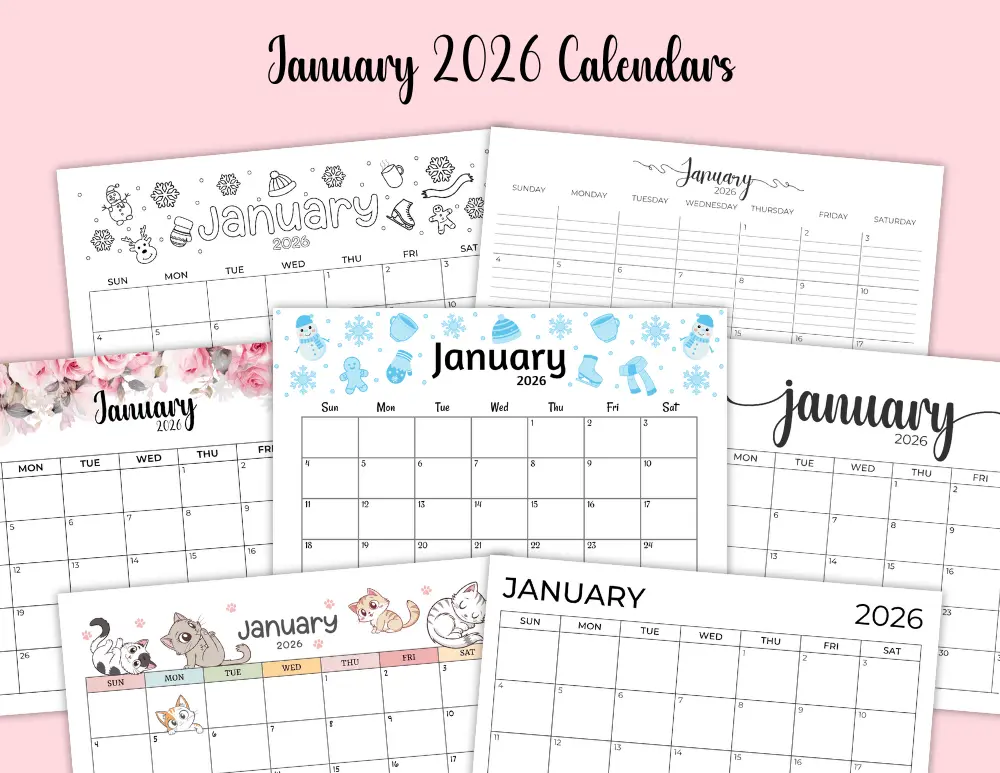
As we stand on the cusp of a new year, the thought of optimizing our schedules often comes to mind. And what better way to kickstart your organizational journey than by learning how to customize a January 2026 digital calendar? Far from being a mere date display, a well-personalized digital calendar transforms into a powerful ally for productivity, goal setting, and time management. It’s about creating a system that not only reflects your unique workflow but also excites you to engage with your plans daily. Embracing customization allows you to turn a generic grid into a dynamic, interactive tool perfectly tailored for the specific demands and aspirations of January 2026.

Why Customizing Your Digital Calendar is a Game Changer for 2026
Many of us rely on digital calendars out of necessity, but few truly unlock their potential. The default settings, while functional, rarely align perfectly with individual needs or aesthetic preferences. Customizing your calendar isn’t just about making it look pretty; it’s a strategic move to enhance focus, reduce cognitive load, and boost efficiency. A personalized calendar becomes an extension of your mind, visually guiding you through your commitments.
Boosted Productivity and Focus
When your calendar is organized exactly how you think, tasks and appointments become less daunting. You spend less time trying to decipher a generic layout and more time executing. This direct alignment can significantly improve your daily productivity.
Enhanced Personalization and Motivation
Let’s be honest, a bland calendar can be demotivating. Adding colors, custom backgrounds, and unique layouts makes interacting with your schedule a more pleasant experience. This aesthetic appeal can surprisingly foster a greater commitment to your plans.
Improved Clarity and Reduced Overwhelm
A customized calendar helps you quickly differentiate between various types of events—work, personal, family, fitness, or hobbies. This visual segmentation provides immediate clarity, helping you grasp your workload at a glance and prevent feelings of being overwhelmed.
Choosing Your Digital Canvas: Popular Platforms for Your January 2026 Planning
The first step in learning how to customize a January 2026 digital calendar is selecting the right platform. While many options exist, the giants in the field offer robust customization features that are widely accessible. Let’s explore some popular choices and their unique strengths for personalizing your January 2026 calendar.
Google Calendar: The Ubiquitous Organizer
Google Calendar is a go-to for many due to its seamless integration with other Google services. It’s incredibly versatile for both personal and professional use. Its customization options are deep, allowing for distinct color-coding, multiple calendar views, and integration with countless third-party apps.
Outlook Calendar: The Professional Powerhouse
Often favored in corporate environments, Outlook Calendar offers robust scheduling and sharing features. It excels in meeting coordination and integrates tightly with Microsoft Office Suite applications. Customization here focuses on professional organization, including category management and sophisticated reminders.
Apple Calendar: Sleek Integration for Apple Users
For those firmly entrenched in the Apple ecosystem, Apple Calendar provides a clean, intuitive experience across all devices. Its strength lies in its simplicity and deep integration with Siri and other Apple apps. While perhaps less feature-rich in raw customization than Google, its elegance is often a customization in itself.
Specialized Digital Planner Apps: Beyond the Basics
Beyond the major players, apps like Notion, Fantastical, or Todoist offer specialized features that cater to specific organizational styles. Notion, for instance, allows for database-driven calendar views that are endlessly customizable for project management or goal tracking. Fantastical combines a powerful natural language input with a beautiful interface, making event creation a breeze.
Getting Started: Core Customizations for Your January 2026 Digital Calendar
Once you’ve chosen your platform, it’s time to dive into the fundamental ways you can make your calendar truly yours. These core customizations lay the groundwork for a more efficient and visually appealing schedule.
Colors and Themes: Making it Visually Yours
One of the simplest yet most impactful customizations is applying a color scheme. Most digital planner apps allow you to assign different colors to different calendars or event types. Imagine assigning bright green for fitness, deep blue for work, and soft pink for personal appointments. This creates an immediate visual language.
Custom Views: Daily, Weekly, Monthly Magic
Don’t be stuck with a single calendar view. Explore the daily, weekly, monthly, and even agenda views offered by your chosen platform. Some applications also offer custom views, allowing you to filter events or display specific calendar combinations. Experiment to find which view best supports your planning style for January 2026.
Backgrounds and Aesthetics: Beyond the Default
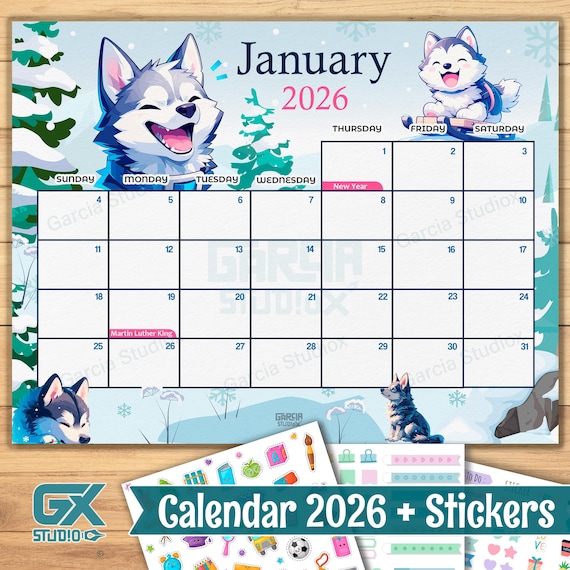
While not every calendar app allows extensive background customization, many offer themes or integration with desktop wallpapers. For those that do, like certain desktop widgets or Notion, changing the background can dramatically alter the calendar’s feel. Consider a calming winter landscape for January or a minimalist pattern.
Advanced Customization Techniques for January 2026 Planning
Once you’ve mastered the basics, you can explore more sophisticated methods to enhance your digital calendar. These techniques can turn your calendar into a truly powerful time management tool.
Widgets and Integrations: Boosting Functionality
Many digital calendars integrate with other productivity tools. For example, linking your task manager (like Todoist or Microsoft To Do) directly to your calendar can display deadlines alongside appointments. Desktop and mobile widgets also offer quick, at-a-glance views of your schedule without even opening the app, which is excellent for staying on top of January 2026 planning.
Templates for Specific Goals: Project Management, Habit Tracking
For specific projects or goal setting with digital calendars, consider creating reusable event templates. If you have recurring project meetings or daily habit tracking (e.g., ’30 mins exercise’), templates save time and ensure consistency. Some advanced digital planner apps, like Notion, allow for highly complex templates with pre-filled properties and linked databases.
Custom Event Types and Fields: Detailed Planning
Beyond simple event titles, can you add custom fields to your events? For instance, for a client meeting, you might want fields for ‘Client Name’, ‘Meeting Objective’, ‘Action Items’, or ‘Follow-up Date’. This transforms your calendar entry from a simple reminder into a comprehensive record, aiding in event organization features.
| Customization Feature | Google Calendar | Outlook Calendar | Apple Calendar | Notion (as a calendar) |
|---|---|---|---|---|
| Event Color-coding | Highly customizable per calendar/event | Category-based, extensive colors | Limited color per calendar, no per-event | Property-based, highly flexible |
| Custom Backgrounds/Themes | Limited themes, web only | Themes available for desktop app | System-level dark/light mode | Extensive page customization, banners |
| Integrations & Widgets | Vast ecosystem, many widgets | Strong Microsoft ecosystem | Native Apple ecosystem integration | Database relations, embed external apps |
| Custom Views/Layouts | Day, Week, Month, Year, Schedule | Day, Week, Month, Work Week | Day, Week, Month, Year | Table, Board, Gallery, List, Calendar views |
| Custom Event Fields | Via descriptions, third-party add-ons | Notes, attachments, categories | Notes, URLs, attachments | Custom properties (text, date, select, etc.) |
Strategies for an Optimized January 2026 Digital Calendar
Beyond the ‘how-to’ of customization, there’s the ‘how-to-use’ it effectively. Implementing smart strategies ensures your customized calendar serves its purpose: enhancing your productivity with online calendars.
Color-Coding for Clarity: A Visual Language
This cannot be emphasized enough. Develop a consistent color-coding system. For instance, red for urgent deadlines, green for personal appointments, blue for work tasks, and yellow for social events. This visual language helps your brain quickly process your schedule and prioritize. A glance at your January 2026 monthly view should instantly tell you what kind of month you’re facing.
Leveraging Reminders and Notifications: Staying on Track
Customization extends to how and when you receive reminders. Don’t let your notifications overwhelm you, but ensure they are effective. Set multiple reminders for crucial events—one a day before, another an hour before. Customize notification sounds or types for different calendar categories to instantly know the urgency without looking.

Syncing Across Devices: Seamless Access
A truly effective digital calendar is one that’s accessible everywhere. Ensure your calendar is set up to sync digital calendar across devices—your phone, tablet, and computer. This means your perfectly customized January 2026 schedule is always at your fingertips, whether you’re at your desk or on the go.
Sharing and Collaboration: Teamwork Made Easy
If you work with a team or manage family schedules, leverage your calendar’s sharing features. You can often grant different levels of access, from ‘view only’ to ‘make changes’. For event organization features that involve multiple people, a shared, customized calendar ensures everyone is on the same page, preventing missed appointments or double bookings.
Troubleshooting Common Customization Hurdles
Even with the best intentions, you might run into a few snags while trying to customize your digital calendar. Let’s address some common issues and how to overcome them.
Over-Customization Leading to Clutter
It’s easy to get carried away with too many colors, widgets, and categories. If your calendar starts looking like a chaotic rainbow, it defeats the purpose of clarity. The solution? Periodically review your customization choices. Simplify where possible, consolidate categories, and ensure every element serves a clear purpose. Less can often be more when aiming to optimize your digital schedule.
Syncing Issues Across Devices
Sometimes, events you add on your phone don’t appear on your desktop, or vice-versa. This is usually a sync setting issue. Check your app settings to ensure background app refresh is enabled and that your account is correctly logged in on all devices. Also, verify that all calendars are set to sync automatically. Patience is key, as sometimes a manual refresh or a brief waiting period is all that’s needed.
Difficulty in Finding Specific Features
Each calendar platform has its own interface and terminology. If you can’t find a specific customization option, a quick online search for “[Your Calendar App Name] + [Feature You Want]” will often yield results. For example, “Google Calendar custom backgrounds” or “Outlook Calendar category colors”. Don’t hesitate to consult the app’s official help documentation.
The Impact of a Well-Customized Calendar on Productivity
Ultimately, the effort you put into learning how to customize a January 2026 digital calendar pays dividends in your overall productivity and well-being. A calendar that truly works for you minimizes stress, maximizes efficiency, and fosters a sense of control over your time. It’s an interactive planning tool that not only tells you what to do but also makes you want to do it.
When your calendar visually appeals to you and intelligently organizes your life, you’re more likely to refer to it consistently. This consistent engagement is the cornerstone of effective time management. It helps you prioritize, allocate resources wisely, and even identify patterns in your workload that can lead to further optimization. Think of it as your personal command center for January 2026, constantly refined to propel you towards your goals.
By investing a little time upfront in personalizing your digital calendar, you’re not just organizing events; you’re designing a pathway to a more organized, less stressful, and ultimately more productive start to the year. Embrace the power of customization and make your digital calendar a true reflection of your aspirations for January 2026 and beyond.

Learning how to customize a January 2026 digital calendar is more than just a technical exercise; it’s an investment in your future self. By personalizing your scheduling tool, you create an environment that supports your goals, streamlines your workflow, and brings a sense of calm to even the busiest of days. Embrace the vibrant possibilities of a truly tailored digital planner and step into January 2026 with confidence and unparalleled organization.
Frequently Asked Questions
Which digital calendar app is best for extensive customization?
While Google Calendar offers broad customization and integrations, specialized apps like Notion (with its database views) provide unparalleled flexibility for custom fields, templates, and layouts, making it ideal for highly personalized planning and project management. Outlook Calendar also offers robust professional customization.
How can color-coding improve my digital calendar’s effectiveness?
Color-coding significantly enhances clarity by creating a visual language for your schedule. Assigning different colors to various categories (e.g., work, personal, fitness, urgent) allows you to quickly assess your commitments, prioritize tasks, and understand your workload at a glance, reducing cognitive effort and potential overwhelm.
What are some advanced customization features I should explore for my January 2026 calendar?
Beyond basic colors and views, consider integrating your calendar with task managers for seamless task tracking, creating custom event templates for recurring activities or project milestones, and leveraging widgets for quick access to your schedule. Exploring custom event fields for detailed planning can also be very beneficial.
How often should I review and adjust my calendar’s customization?
It’s a good practice to review your calendar’s customization settings periodically, perhaps quarterly or whenever your routine or goals shift significantly. This ensures your calendar continues to align with your current needs and preferences, preventing clutter and maintaining its effectiveness as a productivity tool. January 2026 is a perfect time to start this habit.